




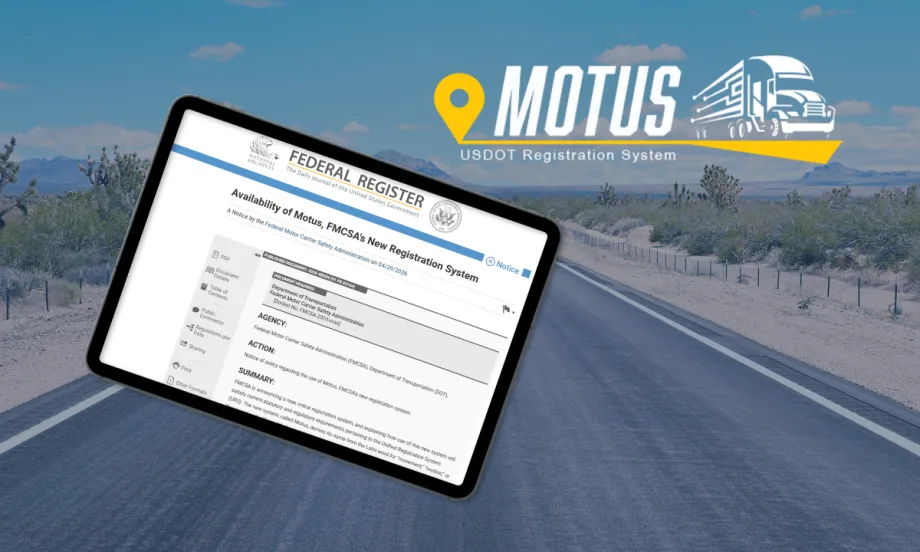
Motus, rather than the typical government acronyms, derives its name from the Latin word for “movement,” “motion,” or “progress.”
FMCSA’s Motus System Is Coming. What Fleets Need to Know Now
FMCSA's long-awaited registration system promises a single portal — and tighter fraud controls. And there are steps you need to take by May 14.
May 12, 2026
Motus will replace a patchwork of legacy systems as FMCSA works to improve data accuracy and combat fraud.
Credit:
HDT Graphic
5 min to read
FMCSA is getting ready to go live with Motus, its long-delayed modernization of the federal motor carrier registration system, and alerted users that there are steps they need to take in the portal before May 14.
The new platform is designed to replace the agency’s patchwork of legacy systems with a single online portal for registering carriers, applying for authority, and updating company information.
Motus will give registrants intuitive tools such as auto-population, real-time data validation, and the ability to use on mobile devices.
Beyond streamlining those processes, the overhaul is aimed at improving data accuracy and strengthening identity verification — steps FMCSA sees as key to addressing fraud in the industry such as motor carrier identity theft and “chameleon carriers.”
To Do By May 14
Log into your FMCSA Portal account (portal.fmcsa.dot.gov) to confirm it is active. If you do not have a Portal account, you can create one and use your USDOT PIN to access your information. Obtain your PIN at: safer.fmcsa.dot.gov.
FMCSA Portal accounts are disabled after 90 days and archived after 12 months of inactivity. If your account is disabled or archived, reach out to the FMCSA Contact Center at www.fmcsa.dot.gov/registration/ask-fmcsa to have your account unlocked.
In the Portal, ensure your company information, operation classification, contact information, and individuals authorized to access your record are all correct.
You can make updates to your company information in the FMCSA Portal the same way you complete a Biennial Update. Select “Biennial Update (MCS-150)” in the “Registration” tab.
Only the FMCSA Portal Company Official using the same FMCSA Portal Login.gov email will be permitted to claim an account in Motus for the first time. Once your account is successfully linked to Motus, you will no longer need to access the FMCSA Portal to make registration changes.
The agency recommends downloading the FMCSA Portal Registration User Guide for FMCSA Registered Entities and Associates at www.fmcsa.dot.gov/registration/fmcsa-portal-registration-userguide-fmcsa-registered-entities-and-associates.
A Long-Awaited Shift
Motus represents one of the most significant changes to federal motor carrier registration in decades. It will eventually replace systems such as the Unified Registration System (URS) and the agency’s Licensing & Insurance platform, consolidating functions into a single interface.
The effort traces back to requirements in MAP-21, passed in 2012, which directed FMCSA to develop a more unified registration system.
“Ultimately, the system will consolidate everything from USDOT numbers and biennial updates to hazmat registrations into a single, secure platform designed to combat fraud while streamlining compliance for legitimate operators,” said Brandon Wiseman of Trucksafe.com in a guide on his website.
FMCSA will sunset the current URS used for new applications for USDOT Numbers and Operating Authority, registration components of the Motor Carrier Management Information System (MCMIS) and the former Interstate Commerce Commission Licensing and Insurance system, established in 1994.
Who the Motus Transition Affects
- Motor carriers
- Brokers and freight forwarders
- Service providers (insurance filers, BOC-3 agents, compliance companies)
The first phase of implementation began late last year for “supporting companies.”
A Federal Register notice in late April alerted motor carriers that the agency is moving forward and that they should get ready now for the transition.
The notice does not provide details on an exact timeline other than in the second quarter.
Existing registrations remain valid during the transition
Fighting Fraud and Bad Actors
A major driver behind the new system is the rise in fraudulent carrier activity, including identity theft and so-called “chameleon carriers” — companies that shut down and reappear under new identities.
Motus is designed to make that more difficult by:
- Strengthening identity verification through Login.gov
- Validating business addresses and ownership information
- Linking registrations more closely to verified individuals
The goal is to help regulators identify suspicious connections earlier and get a clearer picture of new entrants into the industry.
The system addresses fraudulent registrations by incorporating advanced identity verification (via Login.gov and IDEMIA) and business address validation to minimize fraudulent registrations.
New identity verification software and user account roles will protect and control system access. New business verification and information edit checks will validate key information, such as principal place of business address.
What is Not Changing (Yet)
At initial launch, FMCSA is not:
- Eliminating MC/FF/MX docket numbers
- Changing BOC-3 filing requirements
- Implementing a new “safety registration” system
These proposals remain under consideration and will be subject to public comment.
What Should Fleets Do?
Trucksafe’s Brandon Wiseman warned that "the rollout might involve system outages during peak update periods, data that doesn't pre-populate correctly, and new requirements that weren't in the old system,” he explained on the Trucksafe.com website.
Motor carriers don’t need to re-register immediately. Existing USDOT registrations remain valid until the system fully transitions in 2026.
At that time, all carriers will be required to:
- Create Motus accounts
- Verify their identity
- Update business information to maintain compliance.
In the meantime, carriers should prepare to create Motus accounts, expect identity verification requirements, and make sure current FMCSA records are accurate and up to date before the transition.
Key Action: Verify Portal Company Official
Ensure the correct Portal Company Official is listed in the FMCSA Portal. The Portal Company Official should be the company owner or individual authorized to sign documents on behalf of the company.
To claim a USDOT Number in Motus when the system launches for registrants, the Company Official must use the same Login.gov email to log into the FMCSA Portal and Motus.
How to Verify You are the Portal Company Official
- Log into Portal: Log into the FMCSA Portal. Check your Login.gov email as you log in—remember, the Company Official must use the same Login.gov email to log into the FMCSA Portal as they will use to access in Motus.
- Select My Profile: Locate the Account Management dropdown at the top of the page and select My Profile from the list.
- Go to Portal Roles Tab: Navigate to the Portal Roles/USDOT# tab.
- Select Your USDOT: In the USDOT # List on the left side of the page, select the appropriate USDOT Number.
- Verify Company Official Role: If you are the Company Official (the company owner or individual authorized to sign documents on behalf of the company), view the Requested Roles area and confirm that Company Official – Approved is listed.
Editor's Note: Originally published April 29, 2026. Updated May 12, 2026, to add go-live date announced May 11 by FMCSA.
More Safety & Compliance
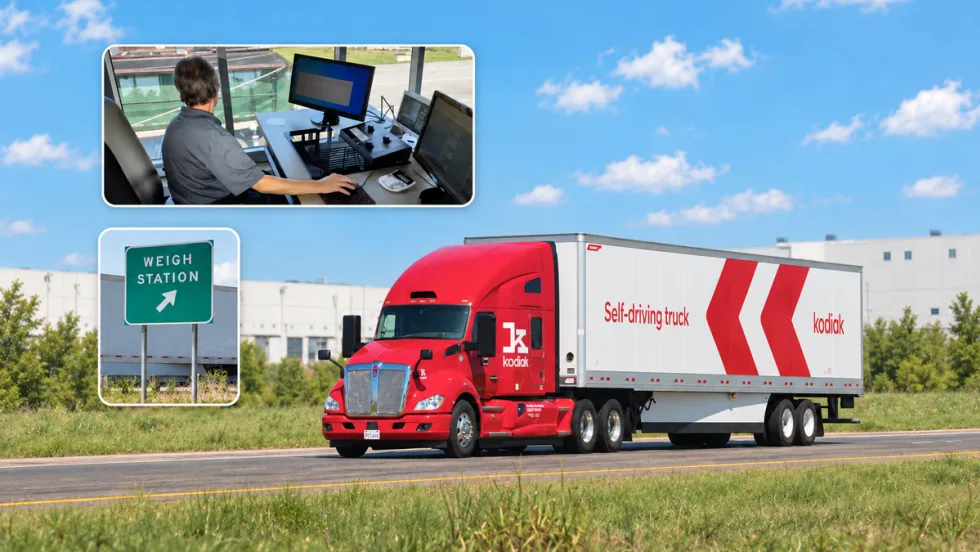
PrePass, Kodiak Connect Driverless Trucks to Roadside Enforcement
The system will allow enforcement agencies to verify Enhanced Inspection information and decide whether Kodiak’s autonomous trucks can bypass roadside screening sites.
Read More →
From One Generation to the Next: How Mentorship Builds Safer Truck Drivers
After three decades in trucking, Harold Perry shares what he's learned about driver safety, mentorship, and helping the next generation build confidence behind the wheel.
Read More →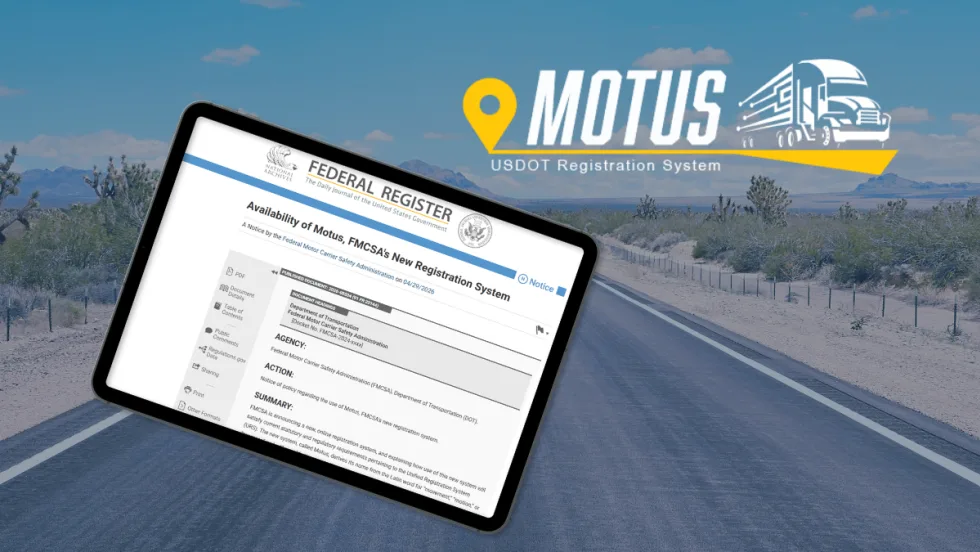
FMCSA Pauses Biennial-Update Enforcement Amid Motus Transition
Carriers whose updates were due on or after June 1 have more time, while FMCSA works to stabilize its new registration system and warns of phishing sites impersonating its new carrier registration system, Motus.
Read More →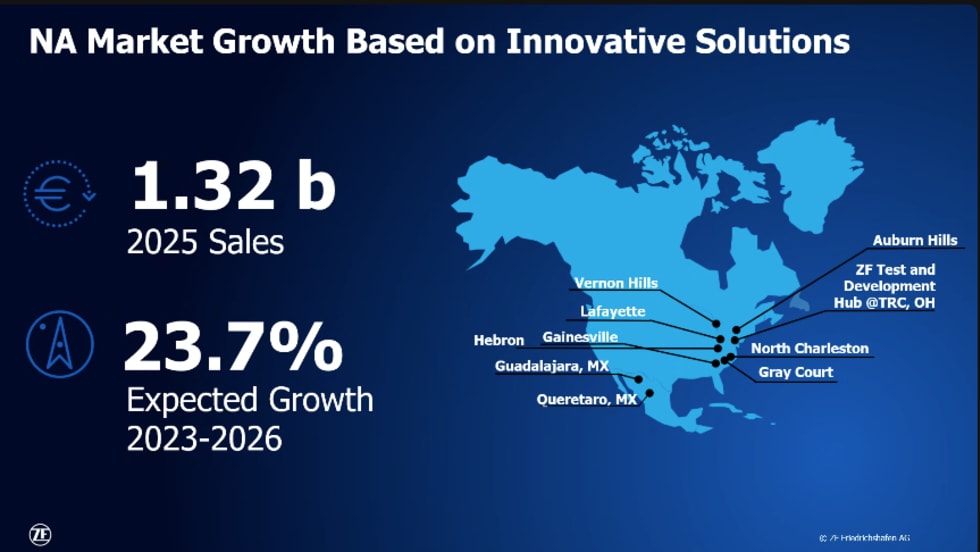
ZF Expands Commercial Vehicle Push in North America
ZF is expanding its North American commercial-vehicle presence with new transmission applications, electrification, trailer technology and autonomous-driving systems.
Read More →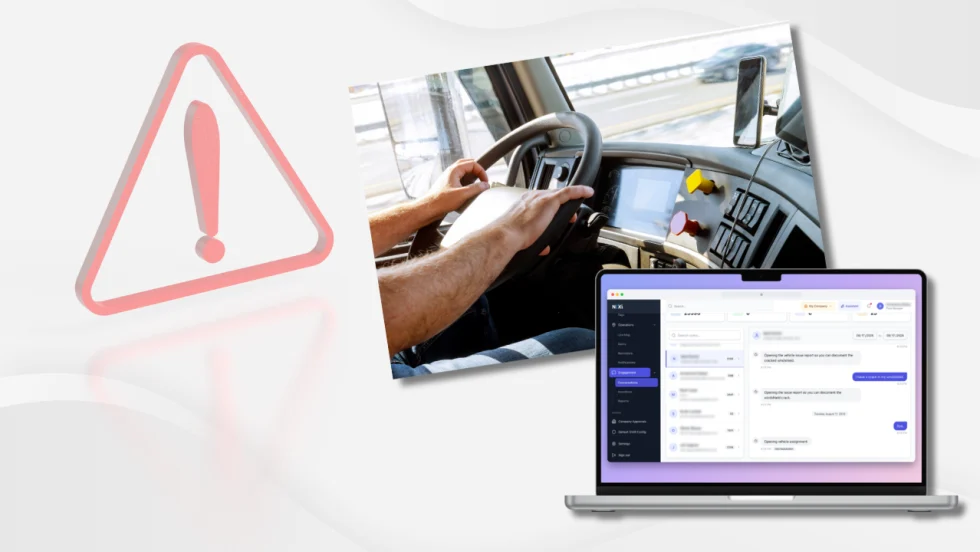
Truck Drivers Need More Than Another Alert
Fleets have more visibility into truck health, safety events, and driver activity than ever. The next challenge is turning all that information into useful guidance for the person who has to decide what to do next.
Read More →
Tesla Wants a Self-Driving Semi. Are Cameras Enough?
Could Tesla’s camera-only autonomous driving technology work on an 80,000-pound Semi? In this commentary, HDT's Deborah Lockridge takes a look at Tesla, Cybercab, and how autonomous trucks see the road.
Read More →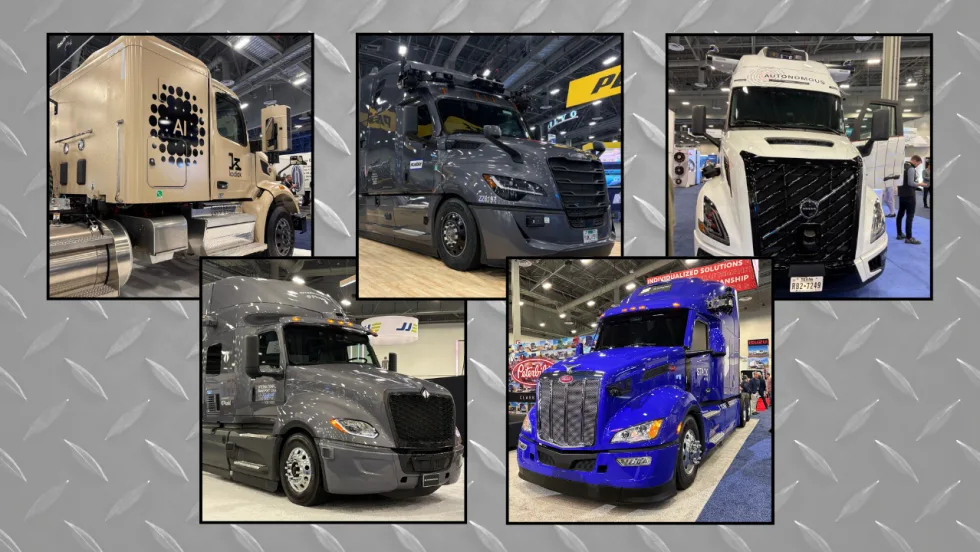
What DOT’s Automated Vehicle Strategy Means for Trucking
The U.S. Department of Transportation issued a new automated-vehicle strategy that outlines plans for driverless-truck regulations, cross-state freight corridors, and federal safety standards.
Read More →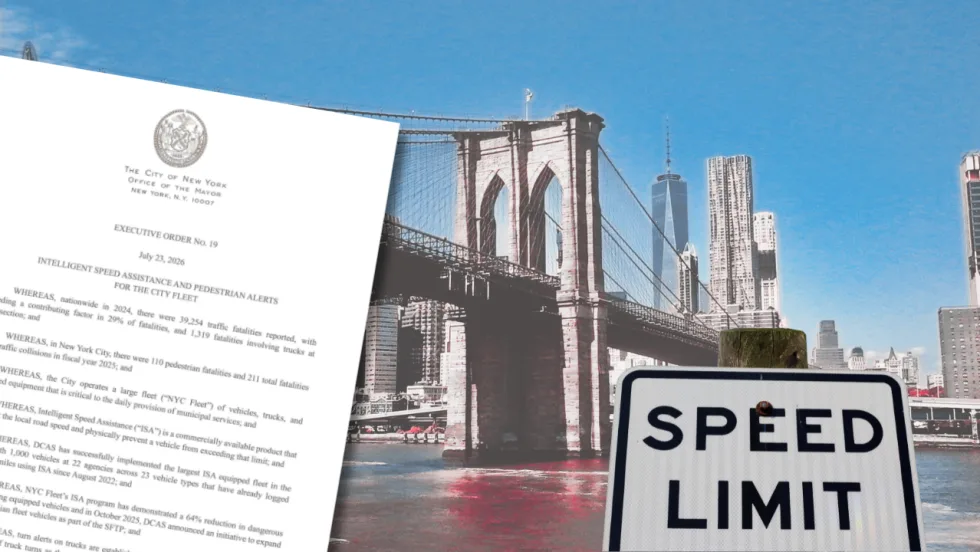
NYC Expands Speed, Pedestrian Safety Tech Across Fleet
New York City is expanding intelligent speed assistance and pedestrian-alert systems across its municipal fleet, moving the technologies from pilot programs into vehicle procurement and retrofit requirements.
Read More →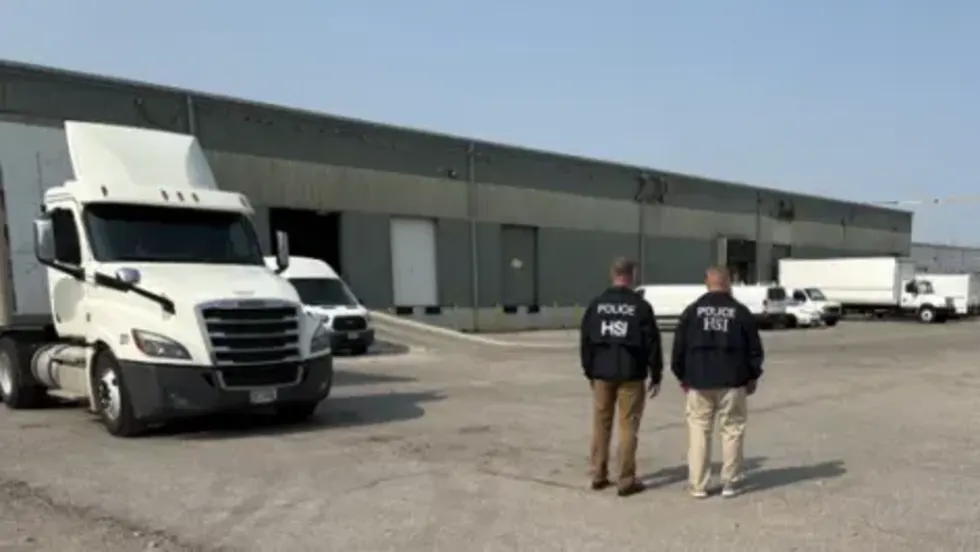
FMCSA Removes 110 Truck Driver Training Schools from Certified ELDT List
Federal regulators also are targeting more than 160 additional training providers and launching a nationwide audit of third-party CDL skills testers as part of a broader crackdown on trucking fraud.
Read More →
Beyond DOT Compliance: What Makes a Trucking Fleet Truly Safe?
A trucking fleet can follow every rule and still make unsafe decisions. The real test comes when safety conflicts with freight, productivity, or cost.
Read More →