



Upgrade, Update, Integrate Your Trucking Management Software
Whether you rip out your old system or upgrade your current one, keeping pace with technology is key to success.

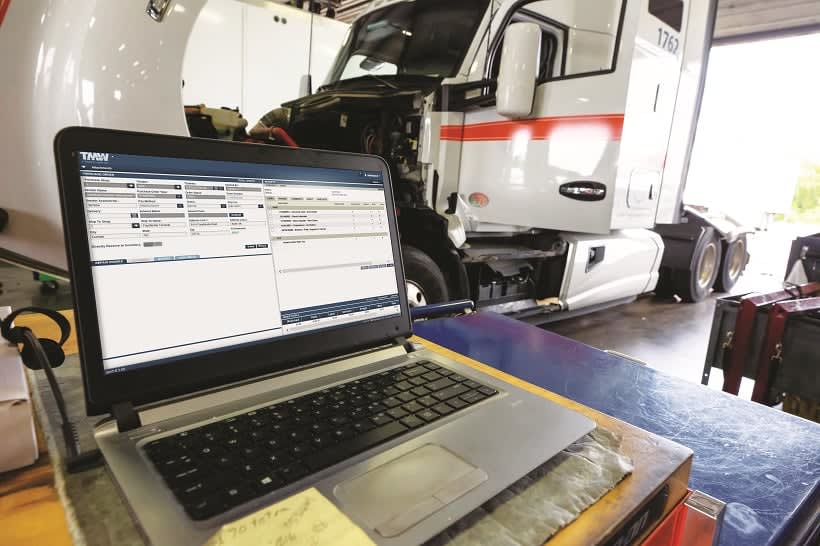
A trucking company’s TMS may include integrations with maintenance and other applications.
Photo courtesy TMW Systems
Do you ever think about your trucking management software? Or did you put it in the back of your mind once the installation and training were completed? Of course, the whole point of a TMS is so you don’t have to “think” about things — the system is supposed to automate processes and tasks.
But you don’t want to have the mindset that many people have managing their company, says Tom McLeod, president and CEO of McLeod Software: “They treat their computer system like the AC or other appliance they buy and have work for several years before needing replaced.” But that’s not the right way to think about your TMS, which is “inseparably linked” to your overall business, its efficiencies and capabilities, he says. Instead, your business system should be viewed with a more “continuous improvement mindset.”
Bob Verret, chief information officer of Dupré Logistics, a privately held, asset-based provider of transportation and logistics services based in Lafayette, Louisiana, says monitoring his company’s computer systems is an ongoing process. “As I say, you are never done with IT, like you are never done with finance — you close out one month and start on the next.” As he sees it, that’s the price of admission to keeping up with rapidly changing technology.
Changing a system can be hard. “It’s not an easy decision,” says Ben Wiesen, vice president, products and services, for software provider Carrier Logistics. On top of the price, there’s the training to consider, the installation — all of which means a lot of work. “Being able to step back and think analytically about the business process is not easy to get to,” he says. “One thing we try to explain to folks is that we know you have investments in your system.” But, as he notes, that money is already spent — it should have no bearing on your current decision-making. “You have to look ahead.”
That does not mean that looking ahead and thinking about your system will lead to changing your system. If you continually evaluate your system in terms of business processes, if it is getting the job done now and likely will in the future, then there is no need to make a change. And making that change just to keep up with the latest tech wiz-bang may not be a good idea.
“I think that’s the wrong approach,” says Ray West, senior vice president and general manager of TMS for TMW Systems. “If the TMS you have does the job you need,” and given that making that kind of change “is so hard, I don’t see a reason to change. If your software handles everything you do, you are in the right spot. If that tool works, stick with it.”
Even so, things change. Regulations and the demands they make on your system change. Your business may change with new market segments. Or your customers may want certain capabilities your TMS needs to deliver. Then maybe it’s time to take the plunge.
Reasons to replace your TMS
How do you know your current system isn’t cutting it? There are several factors you can consider.
Can your system support your growth plans?
At Dupré Logistics, Verret’s first task when he came on board in 2016 was to “see if the existing software they had could support the growth plan.” He found the system was probably scalable to meet the first benchmark, but that it would probably not be adequate for much beyond that. So he instituted a three-step approach to the problem: upgrading the TMS first, ancillary systems second, and finally, the back-office part.
Is your system sustainable?
If you’re running old “legacy” software that has not been regularly updated or upgraded, it could be at the end of its useful life. Supporting old versions of software is expensive. Any integrations will have to be retrofitted to the old software, which is time-consuming and costly. All of which can add up as you consider ever-changing regulations, such as hours of service, or fuel taxes.
“It’s an obsolescence issue,” Wiesen says. “Some systems are no longer sustainable.”
Does it cost a lot to maintain your system?
Related to the sustainability issue, adding new applications and integrations to an old system can be very expensive, as each one will have to be retrofitted. So much so, it may no longer be “financially prudent” to stay the course, Wiesen says. If a company needs major hardware or infrastructure investments to keep a system going, it’s not worth it. Especially since many current systems don’t require expensive hardware investments.
“If you are spending any money on hardware to run your TMS, you shouldn’t be,” says Tim Higham, CEO of InMotion Global, maker of AscendTMS. The same goes for a dedicated IT staff to keep it all running. Many TMS providers offer hosted, software-as-a-service applications that do not require hardware such as servers on premise.
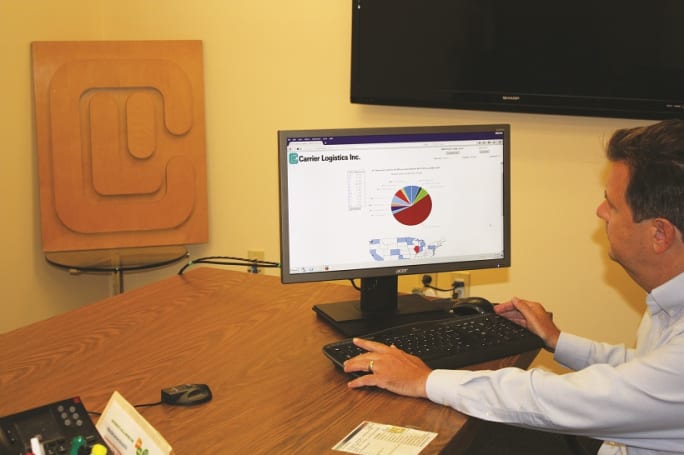
A trucking company’s TMS represents the core of the business. That’s why making sure yours is up to the task is important.
Photo courtesy Carrier Logistics
Can your system support customer demands?
Waiting for a customer to ask for something you can’t deliver before upgrading your system is the “old, reactive mindset,” McLeod says. “I’m really advocating that companies get into a proactive mode,” where fleets can take advantage of opportunities that come along when customers ask for new capabilities. “You don’t want them to say, ‘If you can’t give us that, you can’t haul for us.’”
Has your business changed, and can your current IT system keep pace?
“As your business changes, are you having to do a lot of workarounds? Then it’s probably time to think about” upgrading the system, says Jerry Roberson of software provider Bolt System.
Does your system give you a “fine-grained” view of your operation?
Often, a serious review of a company’s TMS software comes about “because they get in trouble,” says Bill Griffiths, vice president, global consulting and client services, Chevin Fleet Solutions. “Maybe they are having budget challenges where they are being asked to validate costs — do they know what their current cost of ownership is? Do they know an asset’s life cycle cost?” If your current TMS can’t come up with those answers, it’s not helping.
For Mack “Dutch” Guest IV, vice president of LAD Trucking, Watkinsville, Georgia, the ability to “drill down” on the operation and identify things such as deadhead percentage, for instance, was “one of the biggest differences for us” when they upgraded to a new TMS about eight years ago.
Managing the change
If you are installing new updates for your current system, the process and training on any new capabilities should be relatively easy. A complete replacement will take longer — from a few weeks to several months, depending on the size of your operation, number of locations and number of users.
“A small project could be a couple of months, a large company could be a couple of years,” West says. “The biggest part is managing the change within the organization,” he adds. That’s because people are naturally resistant to change, especially when change means going from something they know to something new. “There has to be an internal champion — someone who is helping manage the change and clearing any roadblocks,” he adds.
McLeod agrees, noting that most TMS vendors “provide a framework” for installing a new system, but that “the leadership has to come from within the fleet.”
Even if you are a relatively small operation, the process can take weeks, and may involve doing extra work over the short term. “Even with a small system, we recommend that instead of putting the entire fleet on it, put a few trucks and run it parallel with the old system, so you can make sure everything works OK,” Robertson says. During that period, you are increasing the workload, but you’ll feel comfortable that the data you put in is coming out right.
That’s the approach that LAD Trucking took, Guest says. “For two months, we ran both systems. Everything we put in the old system, we put it in the new system.” One benefit was it allowed employees to see first-hand the improvements in the new system. “It may have been a little extra work, but it worked out.”
Whether it’s a couple of months or a couple of years, taking that extra time is essential, CLI’s Wiesen says. “We’ve all heard of horror stories about migrating software. To take this big step forward, we have to take small steps — instead of running a marathon, walk a mile first.”
The key is having a detailed plan. “You have to understand your requirements before you begin,” Verret says. Dupré uses a storyboard and process map for upgrading its system.
And don’t forget to allow plenty of time for training. “When you put a new computer system in, you are asking the staff to continue doing their job and to also learn how to use the new computer system,” Wiesen says. “If you don’t take the time, you risk having disgruntled workers and customers.”
Another way to ease the transition is to get input from your employees beforehand, which can result in more buy-in from staff.
Your TMS is the heart of your operation — from dispatch to accounting, asset management to load tracking. It can either help propel you forward or hold you back. “If you let a competitor get ahead of you,” in terms of technology, “you can end up behind the eight ball,” Verret says. You can’t afford to forget about it.
Related: Making Data Work for You
More Fleet Management
Kodiak Lines Up Fleets for Driverless Trucking
An agreement for 75 trucks, a new Texas freight lane, and progress on safety validation move Kodiak closer to its planned driverless highway launch.
Read More →
ITS Logistics Settles Religious Harassment Case
The Nevada-based logistics firm agreed to pay more than $396,000 to settle a religious harassment charge involving an employee's Jewish identity.
Read More →
Your Trucks Are Busy. That Doesn’t Mean They’re Winning.
High utilization doesn’t always mean strong margins. Looking beyond the current load can help fleets make better dispatch decisions and get more value from each truck’s time.
Read More →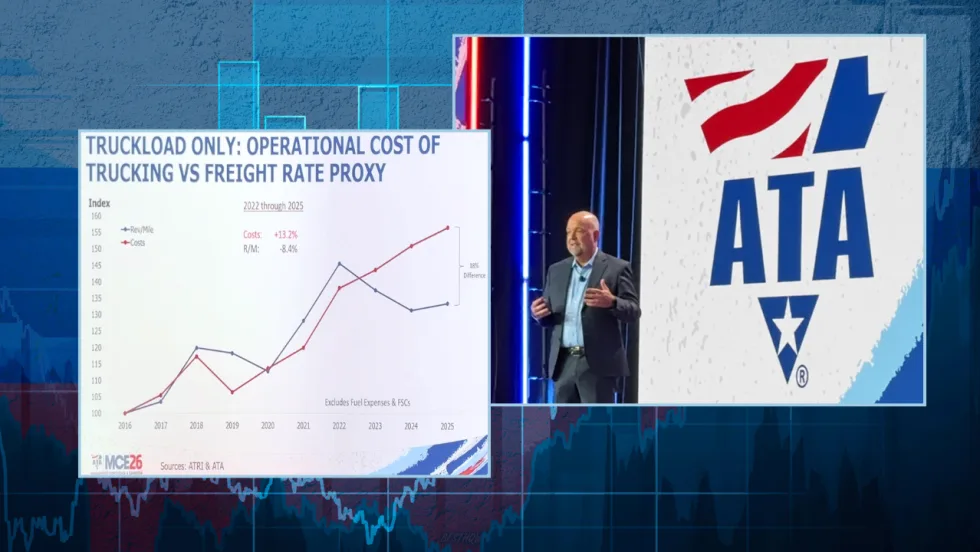
Why This Trucking Recovery Is Different
Freight demand remains sluggish, but rising costs and tougher enforcement have taken enough capacity out of the market to change the outlook for motor carriers.
Read More →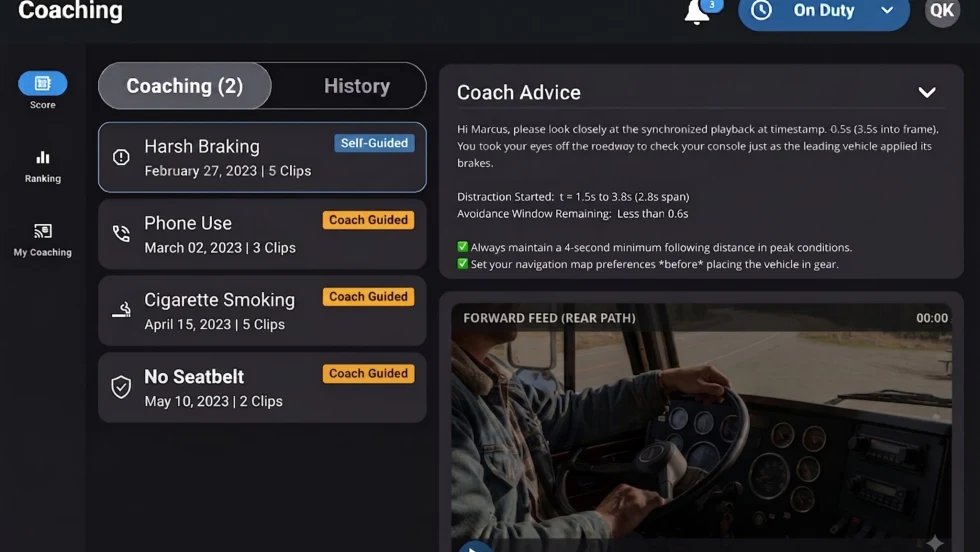
Platform Science Adds Dispatch and Safety Tools
Four additions to PS Fleet help fleets monitor loads, manage driver coaching, share truck locations and adjust video system settings.
Read More →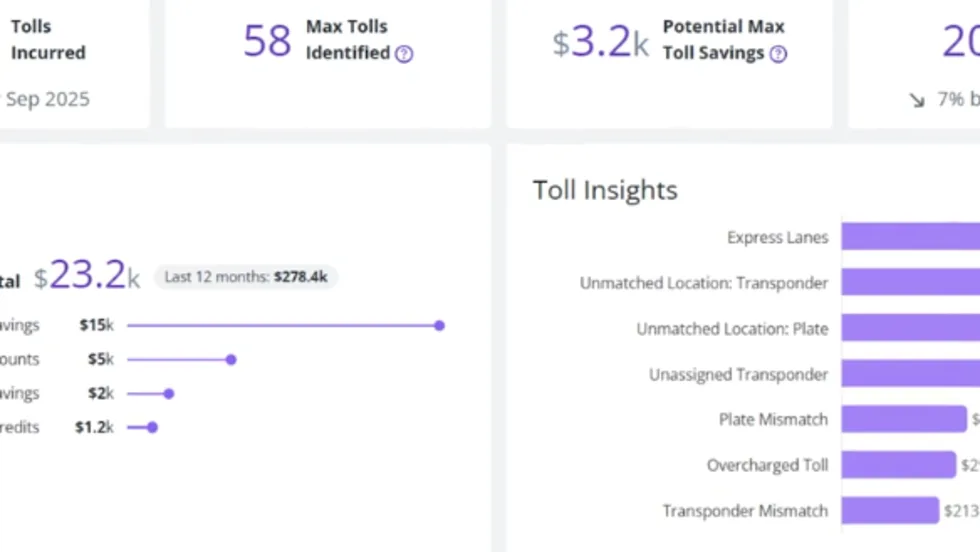
PrePass Intelligence Mines Fleet Bypass, Toll and Safety Data
PrePass Intelligence helps fleets measure bypass savings, flag potential toll overcharges, and spot suspicious transactions by combining data from separate systems.
Read More →
Motive Adds AI Agents for Fleet Operations
New tools automate follow-up on fleet data, from maintenance work orders to driver alerts, with two-way voice conversations planned for later this year.
Read More →
Can You Beat Our Trucking Trivia Challenge?
Test your truck knowledge with 19 trivia questions from Heavy Duty Trucking Exchange. Can you keep up with the fleet pros?
Read More →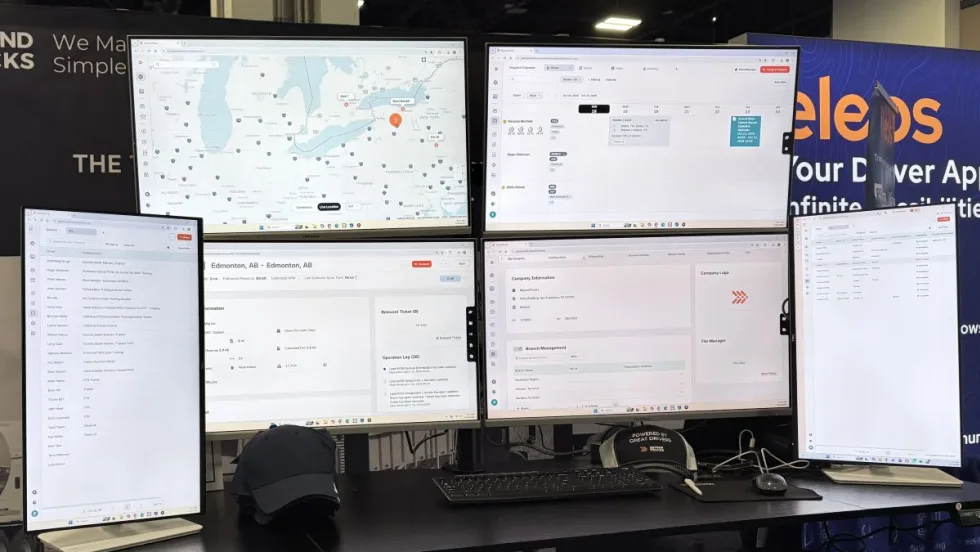
BeyondTrucks Adds Rules Checks to Dispatch
New Compatibility Engine checks driver qualifications, equipment requirements and fleet policies before loads are dispatched.
Read More →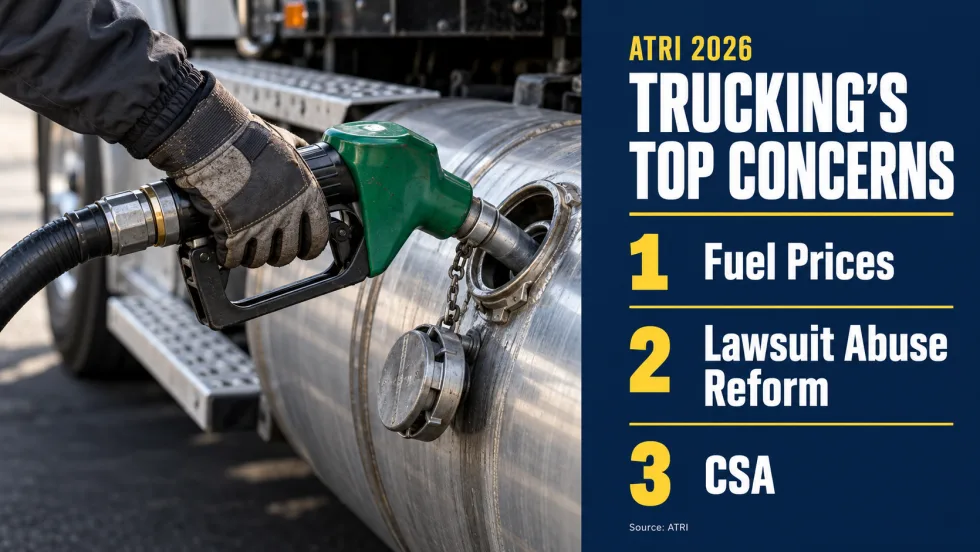
Diesel Prices Hijack Trucking’s Worry List
ATRI’s annual survey finds cautious optimism about freight, but diesel costs, litigation, and insurance continue to squeeze fleets. Drivers have different priorities on several issues.
Read More →