




Don’t Fear the Blitz: How Truckers Can Own CVSA’s International Roadcheck
Is Your MCS-150 Hurting Your Trucking Company's Safety Scores?
Protect your trucking fleet's safety scores by understanding how the math works in the FMCSA's Compliance, Safety, Accountability calculations.
May 16, 2025
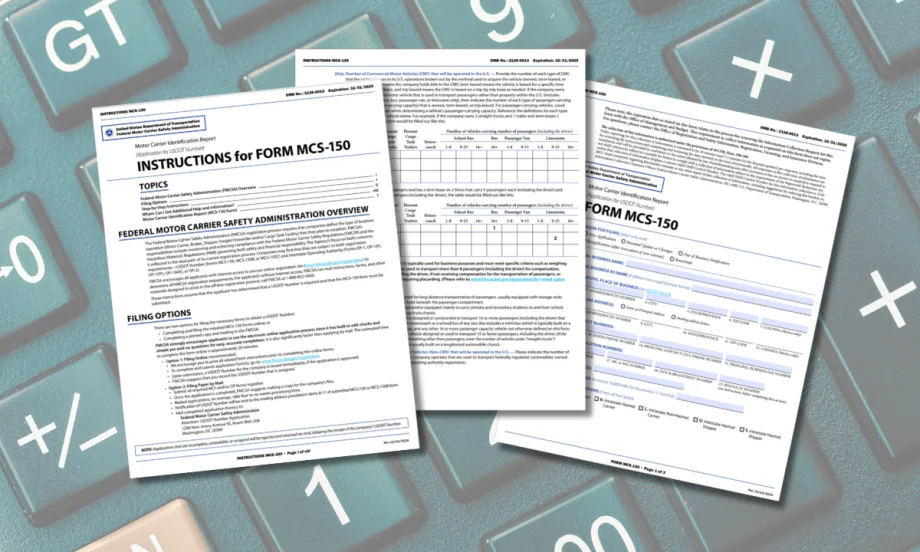
Information in your MCS-150 information could sabotage your CSA scores.
Image: HDT Graphic
7 min to read
When you think about your trucking operation’s Federal Motor Carrier Safety Administration safety scores, you’re likely thinking about how to reduce truck crashes and violations, improve driver safety and truck maintenance, even about your entire safety culture.
What you might not realize is the damage outdated data about your fleet in the DOT system can do to those scores, even if you’re doing everything else right.
John Seidl, a former commercial vehicle inspector and FMCSA auditor who now works in insurance and safety consulting, warns that the information in your MCS-150 form could sabotage your scores under CSA (Compliance, Safety, Accountability).
These scores are used by the agency to target trucking operations for DOT safety audits, and they're used by insurance companies, shippers, and brokers.
How Can MCS-150 Info Affect My Trucking Fleet's CSA Scores?
The formula for determining a carrier’s Unsafe Driving and Crash Indicator scores under CSA is affected by how many units you have in your fleet and how many miles you're running per unit.
“Some companies make a mistake because they don't properly identify the number of trucks and the miles per average power unit,” Seidl says. “Sometimes people under report units and under report mileage and it hurts their score and they don't even know it.”
Seidl gives the example of a company that has 20 trucks. It lands a good contract and quickly grows to 40 trucks to accommodate that business.
If you don’t go into your MCS-150 (Motor Carrier Identification Report) and update the trucks and the mileage to reflect this growth, he says, “You basically have 40 trucks’ worth of violations and 40 trucks’ worth of crashes, but you’re only telling the government you have 20 trucks and miles associated with 20 truck, so you look twice as bad.”
However, that's perhaps an oversimplification of the CSA math.
Understanding MCS-150 and the CSA Math
CSA scores, particularly in the Unsafe Driving and Crash Indicator categories, rely heavily on two math components:
Average Power Units — based on how many trucks you’ve reported to FMCSA over time.
Utilization Factor — how many miles you’re running per average power unit.
For average power units, Seidl says, the formula looks at the current number of trucks in your fleet, the number you had six months ago, and the number you had 18 months ago.
It adds those three numbers that reflect those three different moments in time and divides by three to get an average.
So if 18 months ago you had one truck, and six months ago you had 29, and now you have 60, the CSA math doesn’t reflect you having 60 trucks right now. You have 60 plus 29 plus 1, which would be 90, divided by 3
So as far as the CSA math is concerned, you only have 30 trucks.
This number changes every single month because the CSA snapshot is recalculated every month.
“So you have to be cognizant if you're growing or shrinking,” he says. “What number have you given the government to determine what your average power units are for their math problems?”
If you’ve had recent growth and haven’t updated your fleet size and mileage, the system will assume you’re smaller than you really are — making any violations or crashes appear more severe.
The Utilization Factor Trap
It’s not just the number of trucks that affects those CSA scores. It’s also how many average miles per truck the system thinks you have, or the utilization factor.
If you hit certain utilization thresholds, your CSA scores can dramatically change. If the system thinks your trucks are averaging 200,000 miles or more, that score goes up (gets worse). If you drop to 199,000 miles, the score goes down (improves).
Here’s the problem: If FMCSA’s CSA math thinks you have fewer trucks than you actually do — that average power units number — your miles per power unit may look artificially high, pushing you over that threshold.
Seidl goes back to that example of the fleet that has 60 trucks currently, but the CSA math calculates it as having 30 trucks because of the way the system looks back 18 months.
So that company’s MCS-150 form reports they have 60 trucks and that they're running a little over 100,000 miles a truck, for a total in excess of 6 million miles. That’s well below the 200,000 miles per unit threshold that causes trouble.
The problem is, the CSA math says their average power units is 30. Divide that total that is slightly in excess of 6 million miles by 30 instead of 60, and you’ve hit that 200,000 miles per truck utilization factor and that CSA score is going to skyrocket due to the utilization factor calculation.
Updating the MCS-150
Regulations require motor carriers to update their MCS-150 data at least every 24 months, but if your fleet size isn’t stable, that’s not often enough, Seidl says.
“You have to be cognizant if you're growing or shrinking. What number have you given the government to determine what your average power units are for their math problems?”
Your fleet may be running safely, your drivers may be doing everything right — but if your MCS-150 form doesn’t reflect your current operation, you could still see your CSA scores climb.
The MCS-150 And Your CSA Peer Group
Here’s another way CSA math can hurt you. Normally, getting a “clean” inspection from a commercial vehicle inspection helps your CSA score.
But depending on how close you are to getting bumped into the next peer group, clean inspections actually could hurt you, Seidl says.
The CSA peer groups are linked through the FMCSA's Safety Measurement System (SMS). SMS provides the FMCSA with essential information about your company's operations, including the number of relevant inspections and/or the number of inspections with violations, which is used to determine your CSA peer group.
Seidl compares the CSA peer groups to divisions in basketball.
Say high school is peer group one. If you're in high school, you're compared to other people in high school.
You might be the best basketball player on your high school team. But then you go to college and play for a Division 3 college team, and you're no longer the best. You might be the worst.
Then you could work your way up to be the best Division 3 player, but when you move up to a Division 1 or 2 school, again, you're at the bottom of the pile.
“You could be the best Division 1 player, but when you go to the NBA, you're average. You could be an NBA player, but when you go compete for the Olympics, you're not gonna make the Olympic team, because you're not good enough.”
That’s kind of how the CSA peer groups work in trucking, he says.
If you’re in peer group one, you have a better chance of having a good score if you’re great. Once you jump to peer group two, even if you were the best company in peer group one, now your score is going to get worse because you’re competing in a higher-level peer group.
How Do Trucking Companies Get Bumped Into a Higher CSA Peer Group?
How do you get pushed into that higher peer group? One way is the number of inspections you have. Even if they are “clean” inspection with no violations, they can push you into a new peer group in the CSA BASICS categories.
Back to the basketball analogy. This is like being in Division 3, then you get a couple of good games and they promote you to Division 1. Even though your skills have not changed at all, because you’re now competing against a higher peer group, you’re sitting on the bench.
Seidl says he has had clients with no alerts in the CSA portal, then suddenly they get a clean inspection and they’re in alert status in one or more BASICs – because that inspection jumped them into the higher peer group.
Keep an eye on your fleet's CSA scores in the FMCSA portal to see how many inspections you have, what peer group you're in, how many inspections are going to fall off because of their age, and how many more inspections will bump you in the next peer group.
Updating your MCS-150 and understanding the CSA formulas won’t just improve your scores — it may also lower your insurance premiums, reduce audit risk, and help you win and keep business with brokers and shippers who closely watch CSA data.
If you need help understanding these calculations, reach out to John@truckingwins.com.
Subscribe to Our Newsletter
More Safety & Compliance

Sponsored•October 6, 2026
A Camera Isn't a Safety Program. Here's What Brokers Are Screening for Now
Footage alone may not be enough to pass broker vetting processes. Here's what counts as a defensible safety program now.
Read More →
Marijuana and Trucking’s Drug-Testing Dilemma
Marijuana is getting stronger, laws are changing, and drug tests still can’t reliably establish impairment. What does that mean for truck drivers and the fleets that employ them?
Read More →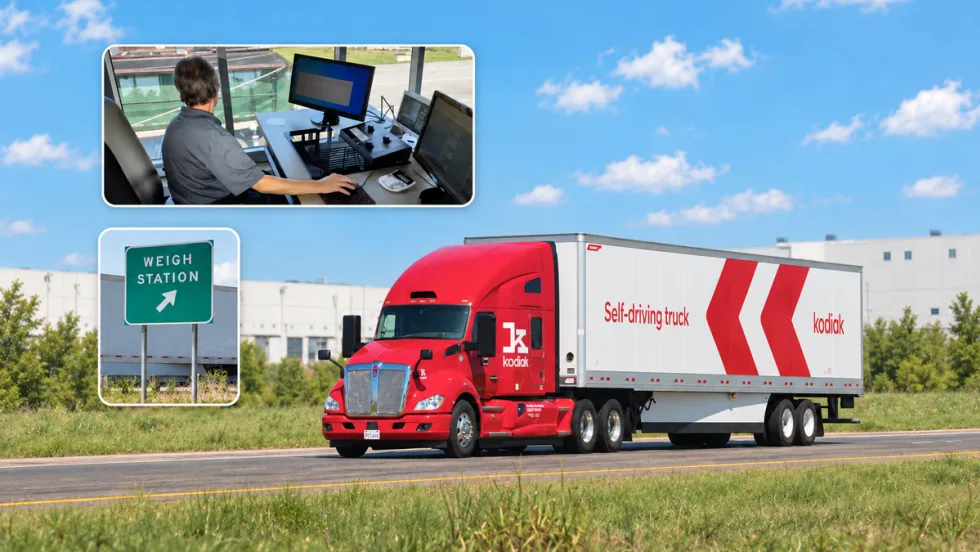
PrePass, Kodiak Connect Driverless Trucks to Roadside Enforcement
The system will allow enforcement agencies to verify Enhanced Inspection information and decide whether Kodiak’s autonomous trucks can bypass roadside screening sites.
Read More →
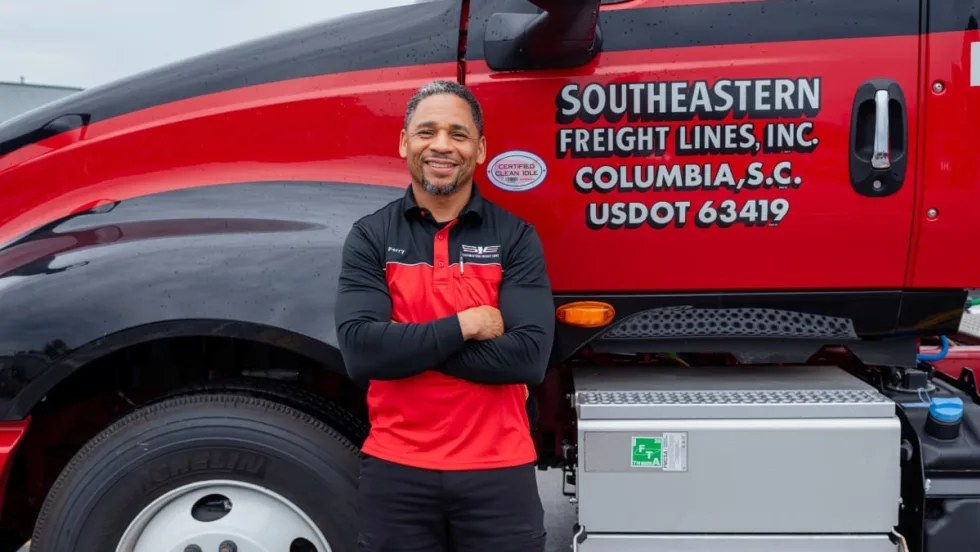
From One Generation to the Next: How Mentorship Builds Safer Truck Drivers
After three decades in trucking, Harold Perry shares what he's learned about driver safety, mentorship, and helping the next generation build confidence behind the wheel.
Read More →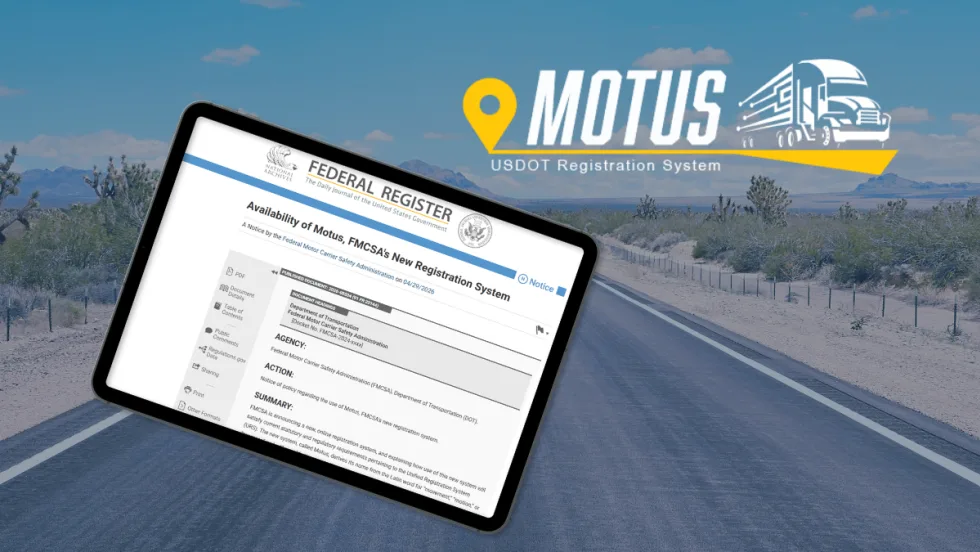
FMCSA Pauses Biennial-Update Enforcement Amid Motus Transition
Carriers whose updates were due on or after June 1 have more time, while FMCSA works to stabilize its new registration system and warns of phishing sites impersonating its new carrier registration system, Motus.
Read More →
ZF Expands Commercial Vehicle Push in North America
ZF is expanding its North American commercial-vehicle presence with new transmission applications, electrification, trailer technology and autonomous-driving systems.
Read More →
Truck Drivers Need More Than Another Alert
Fleets have more visibility into truck health, safety events, and driver activity than ever. The next challenge is turning all that information into useful guidance for the person who has to decide what to do next.
Read More →
Tesla Wants a Self-Driving Semi. Are Cameras Enough?
Could Tesla’s camera-only autonomous driving technology work on an 80,000-pound Semi? In this commentary, HDT's Deborah Lockridge takes a look at Tesla, Cybercab, and how autonomous trucks see the road.
Read More →
What DOT’s Automated Vehicle Strategy Means for Trucking
The U.S. Department of Transportation issued a new automated-vehicle strategy that outlines plans for driverless-truck regulations, cross-state freight corridors, and federal safety standards.
Read More →
NYC Expands Speed, Pedestrian Safety Tech Across Fleet
New York City is expanding intelligent speed assistance and pedestrian-alert systems across its municipal fleet, moving the technologies from pilot programs into vehicle procurement and retrofit requirements.
Read More →