





New Research: FMCSA and the Law of Unintended Consequences
FMCSA Updates ELD Questions & Answers
New and revised guidance for ELD questions on personal conveyance, malfunctioning ELDs, and AOBRDs are available from FMCSA.
March 28, 2022
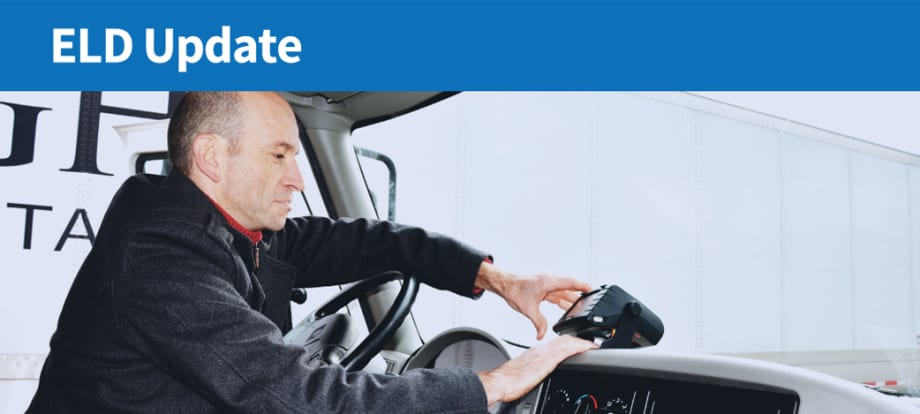
FMCSA has updated its frequently asked questions on electronic logging devices.
Photo: FMCSA
4 min to read
The Federal Motor Carrier Safety Administration has added and updated several answers to frequently asked questions about the electronic logging device mandate on its website.
Following are highlights of the new and updated FAQs. These FAQs and more are on the ELD website at: https://eld.fmcsa.dot.gov/FAQ.
Can an electronic logging device (ELD) allow for a user to switch between ELD mode and automatic onboard recording device (AOBRD mode)?
No. A provider may provide an AOBRD for drivers exempt from using an ELD, but the AOBRD must be a standalone application on a device, with its own driver account and login, separate from a registered, self-certified ELD operating system.
May ELD providers configure the ELD to identify potential hours-of-service violations?
The minimum functional specification requirements in the ELD rule do not require ELDs to identify hours of service violations; however, some ELD providers have elected to offer this as an add-on feature. If an ELD provider offers this add-on feature but does not update their device to reflect the 2020 changes to the hours of services rules, the ELD may inaccurately identify hours of service violations. Motor carriers should contact their ELD providers with specific questions about what information their ELD displays.
What steps must the driver and carrier take if an ELD malfunctions?
The driver must inform their carrier of the malfunction within 24 hours.
The motor carrier has 8 days to repair, service, or replace the ELD. If the malfunction precludes the device from accurately recording hours of service data and presenting that HOS data to a safety official, the driver must user paper logs or another system for recording their HOS during this time.
Under 49 CFR 395.34, a motor carrier seeking to extend the time permitted for repair, replacement, or service of one or more ELDs may request an extension. ELD malfunction extensions can be requested by email to ELD-Extension@dot.gov. You may also contact the field office directly. For more information, see https://eld.fmcsa.dot.gov/support.
If a driver is permitted to use a commercial motor vehicle for personal reasons, how must the driving time be recorded?
There are two ways authorized personal use, or personal conveyance, can be recorded using an ELD.
If the motor carrier has configured the driver user account to authorize personal use in accordance with 49 CFR 395.28(a), then the driver may use the personal conveyance special driving category to record that time.
If the motor carrier has not configured the device to authorize personal conveyance, the driver may switch to Off Duty and annotate the beginning of personal conveyance period. Once the personal conveyance period has ended, the driver must annotate the end event, as well as any events that occurred during that time period.
Can a user edit or change automatically recorded driving time that has been recorded by an ELD to non-driving time?
Automatically recorded drive time when the commercial motor vehicle is in motion cannot be edited or changed to non-driving time. Edits to automatically recorded driving time are acceptable in the following instances:
For team drivers, a driver may edit and reassign driving time records erroneously recorded to their account. The drivers must have indicated each other as co-drivers in their record of duty status (RODS). Each co-driver must confirm the change for the edit to take effect.
A driver may edit or correct driving time erroneously recorded due to failing to change his or her duty status before powering off the CMV, but only if the driving time was recorded by the ELD while the vehicle was powered off and the vehicle was not in motion during the period that is being edited or corrected. The driver edit limitation found in section 4.3.2.8.2(b) prohibits the editing of automatically recorded driving time. The intent of the specification that requires automatic recording of driving time is to ensure all movement of the CMV is captured. A CMV cannot be driven while powered off. The driving time following the power off cycle of a CMV not in motion, is not recorded to the specifications required by 4.3.1.2 and 4.4.1.1 and therefore may be edited to the correct duty status.
Driving time assumed from the unidentified driver profile in error may be returned to the unidentified driver profile so that it can be assumed by the correct driver.
Drivers may assume a subset of driving time from the unidentified driver profile. The amount of automatically recorded drive time may not change, but can be split between the driver and the unidentified driver profile so that the remaining time can be assumed by the correct driver.
Drivers may assume driving time from the unidentified driving profile and convert it to Off-Duty or On-Duty Not Driving if this is that status that should have been in effect.
What procedure should be followed if an ELD is replaced or reset?
For a reset or replaced ELD, under 49 CFR 395.8(k), data or documents showing the driver’s record of duty status (RODS) for the current 24-hour period and the previous 7 days must still be retained. These can either be uploaded into the “new” ELD or retained in paper format.
Several other questions and answers received minor wording updates that did not alter the substance of the information.
More Safety & Compliance
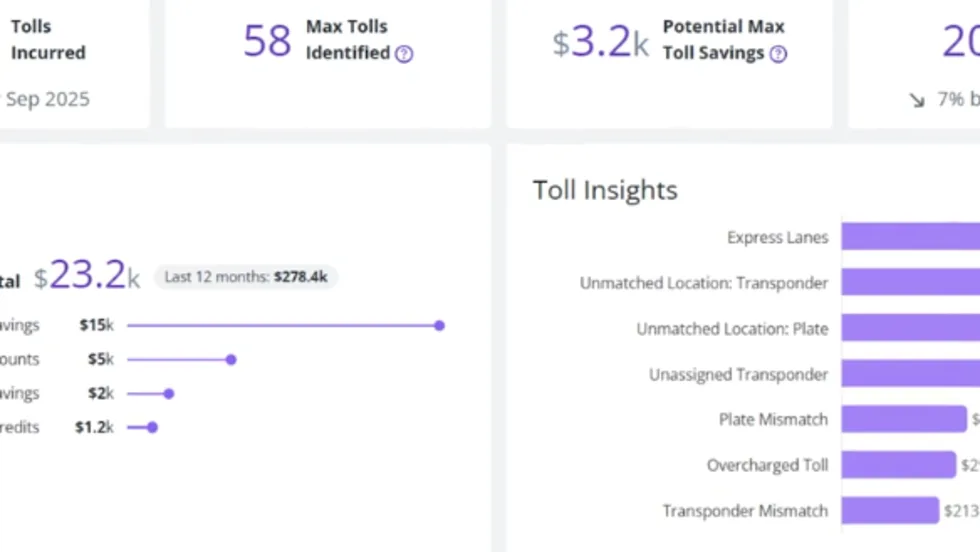
PrePass Intelligence Mines Fleet Bypass, Toll and Safety Data
PrePass Intelligence helps fleets measure bypass savings, flag potential toll overcharges, and spot suspicious transactions by combining data from separate systems.
Read More →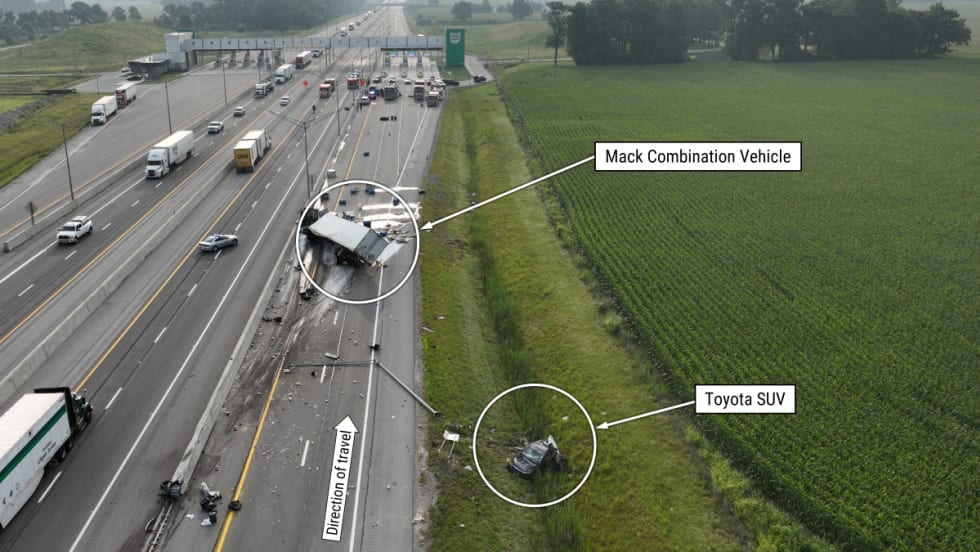
Fatal Crash Exposes Toll Plaza Risks
An NTSB investigation found that last-minute lane changes and large speed differences at an Ohio toll plaza created a hazard the truck driver couldn't avoid in time.
Read More →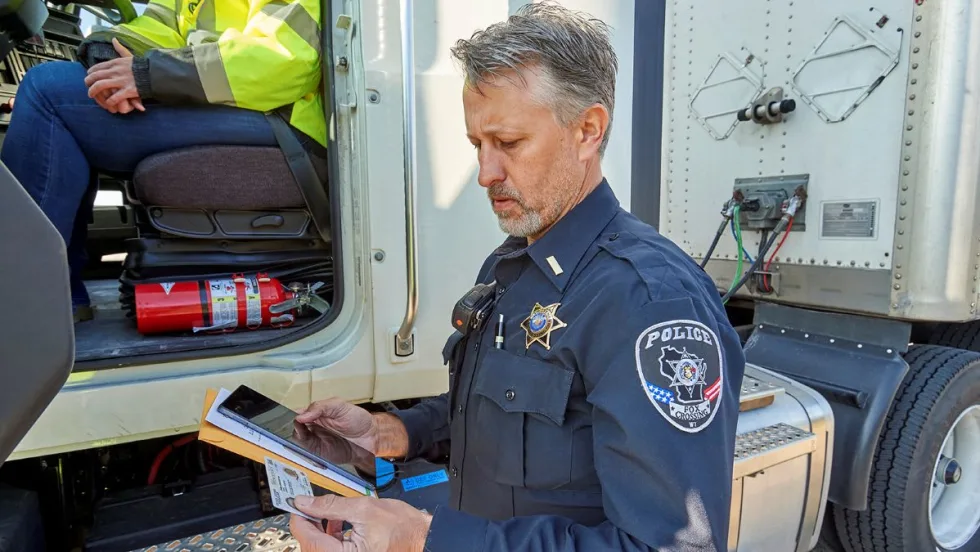
When Language Stops the Truck: The Return of ELP Out-of-Service Orders
English language proficiency rules for commercial drivers aren’t new, but renewed out-of-service enforcement has raised the stakes. Here’s what carriers need to know before a driver reaches a roadside inspection.
Read More →

Sponsored•October 6, 2026
A Camera Isn't a Safety Program. Here's What Brokers Are Screening for Now
Footage alone may not be enough to pass broker vetting processes. Here's what counts as a defensible safety program now.
Read More →
Marijuana and Trucking’s Drug-Testing Dilemma
Marijuana is getting stronger, laws are changing, and drug tests still can’t reliably establish impairment. What does that mean for truck drivers and the fleets that employ them?
Read More →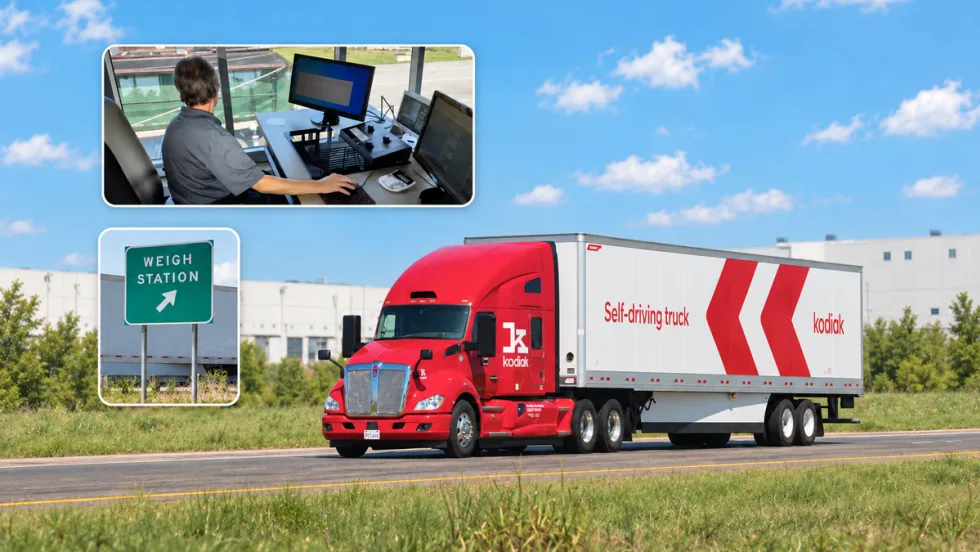
PrePass, Kodiak Connect Driverless Trucks to Roadside Enforcement
The system will allow enforcement agencies to verify Enhanced Inspection information and decide whether Kodiak’s autonomous trucks can bypass roadside screening sites.
Read More →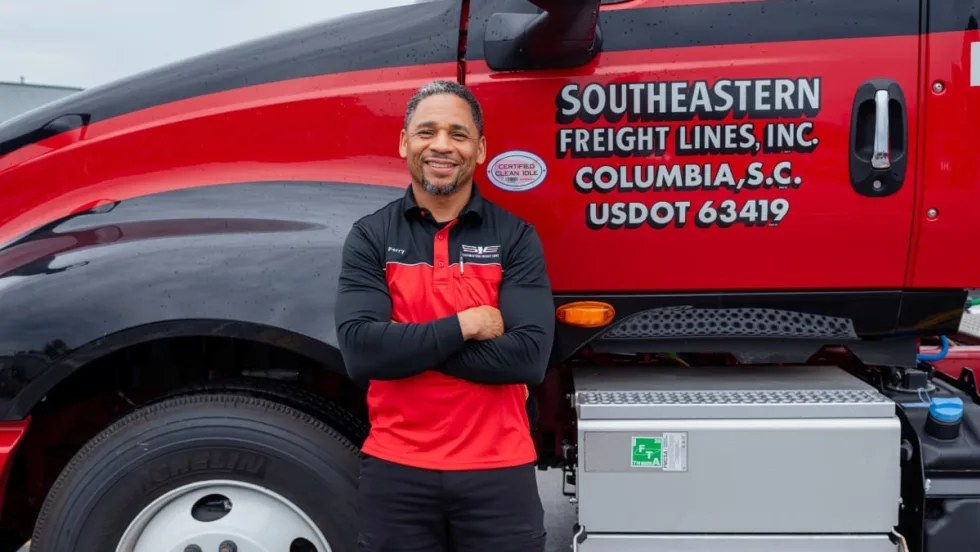
From One Generation to the Next: How Mentorship Builds Safer Truck Drivers
After three decades in trucking, Harold Perry shares what he's learned about driver safety, mentorship, and helping the next generation build confidence behind the wheel.
Read More →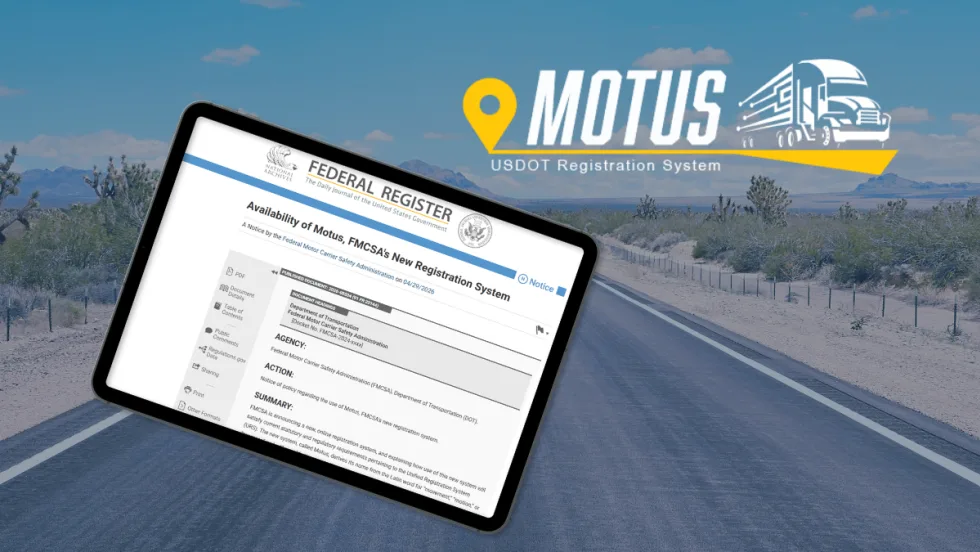
FMCSA Pauses Biennial-Update Enforcement Amid Motus Transition
Carriers whose updates were due on or after June 1 have more time, while FMCSA works to stabilize its new registration system and warns of phishing sites impersonating its new carrier registration system, Motus.
Read More →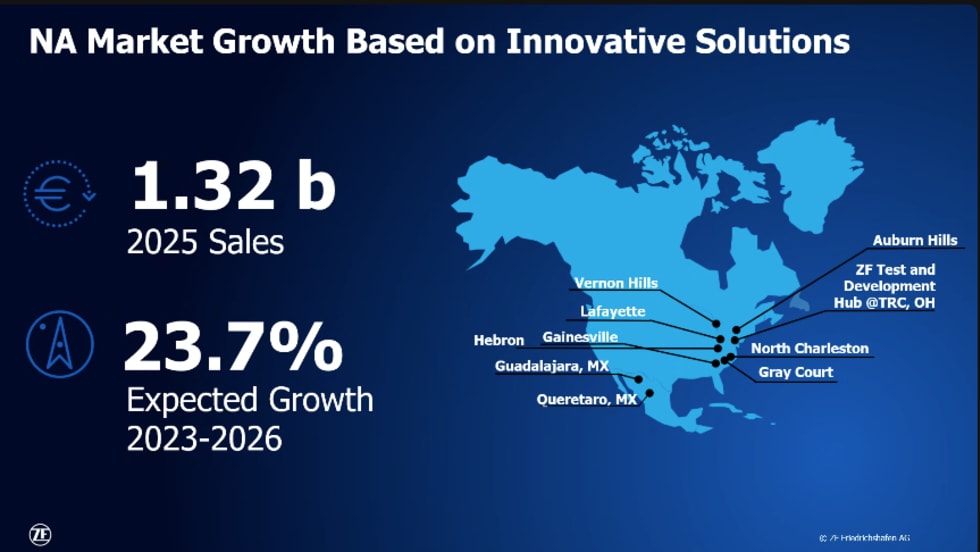
ZF Expands Commercial Vehicle Push in North America
ZF is expanding its North American commercial-vehicle presence with new transmission applications, electrification, trailer technology and autonomous-driving systems.
Read More →
Truck Drivers Need More Than Another Alert
Fleets have more visibility into truck health, safety events, and driver activity than ever. The next challenge is turning all that information into useful guidance for the person who has to decide what to do next.
Read More →